
Walking routes
Walking routes from where you're standing
Tell WakaBuddy how far you want to go and it draws a loop from where you are. Or plan your own: tap the map and the route follows the streets, then walk it turn by turn.
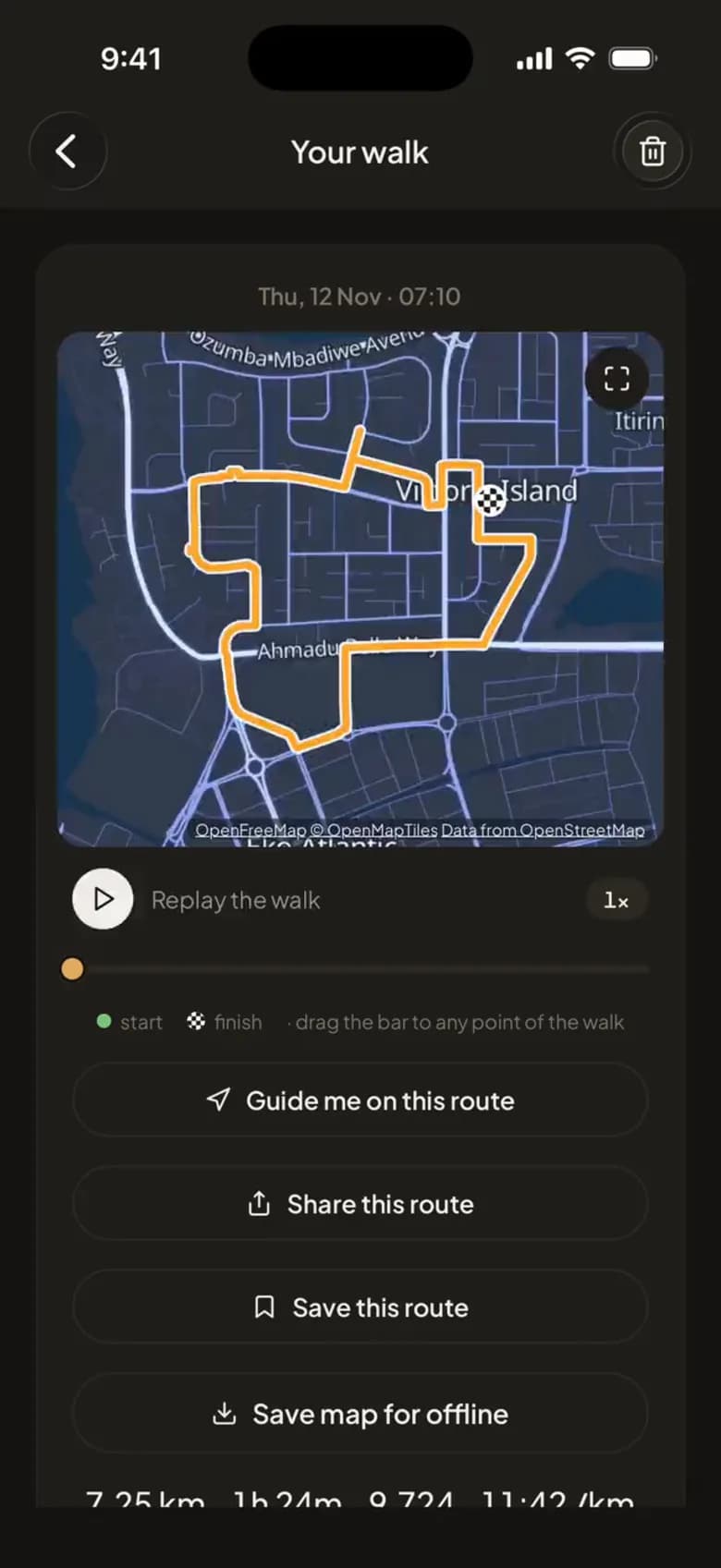
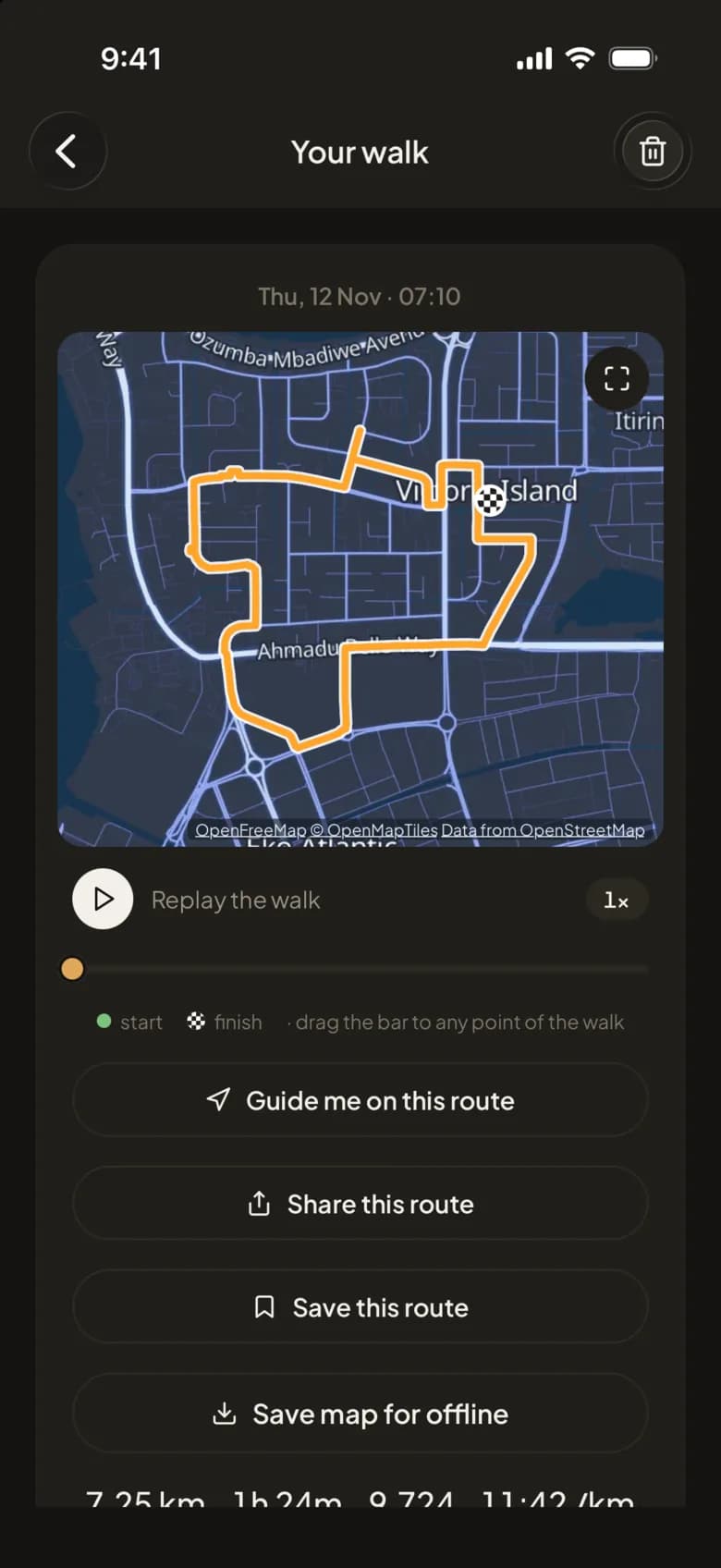
A loop from here
Pick a distance, 2, 3, 5 or 8 km (or 1 to 5 miles), and WakaBuddy draws round walks that start and finish where you are. Choose one and it keeps you on the line as you go.
Plan your own route
Tap points on the map and the route follows real streets, with the distance as you go. Keep it and walk it turn by turn: take a wrong turn and you're told you've missed it and sent back, so you walk the route you planned.
Liked a walk you just did? Save its route from the finished walk and walk it again another day.
Send a route to a friend
Share a route and your friend opens it in the app or on the web, with no account needed, and sees where they are on it as they walk.
Free and Plus
Free
- Draw a route and see its distance
- Follow a route a friend sends you
WakaBuddy Plus 7-day free trial
- Loops from where you stand
- Keep routes and walk them turn by turn
- Save a finished walk's route
- Send your routes to friends
- Offline maps
Questions people ask
Can WakaBuddy suggest a walking route near me?
Yes. A loop from here draws round walks of 2, 3, 5 or 8 km that start and end where you are. It's part of Plus.
Does the route planner follow streets?
Yes. Tap the points you want to pass and the route follows the streets between them, with the distance shown as you plan.
Can I share a walking route?
Yes. A route you send opens in the app or in a web browser with no account needed, and shows the walker where they are on it.
Related features
Walk more, with the people you know.
Free to download. Connect your health app and today's steps are already counted.